Organisations and people
Organisations are the structure behind access. People belong to organisations, and event access is easier to manage when that structure is clean.
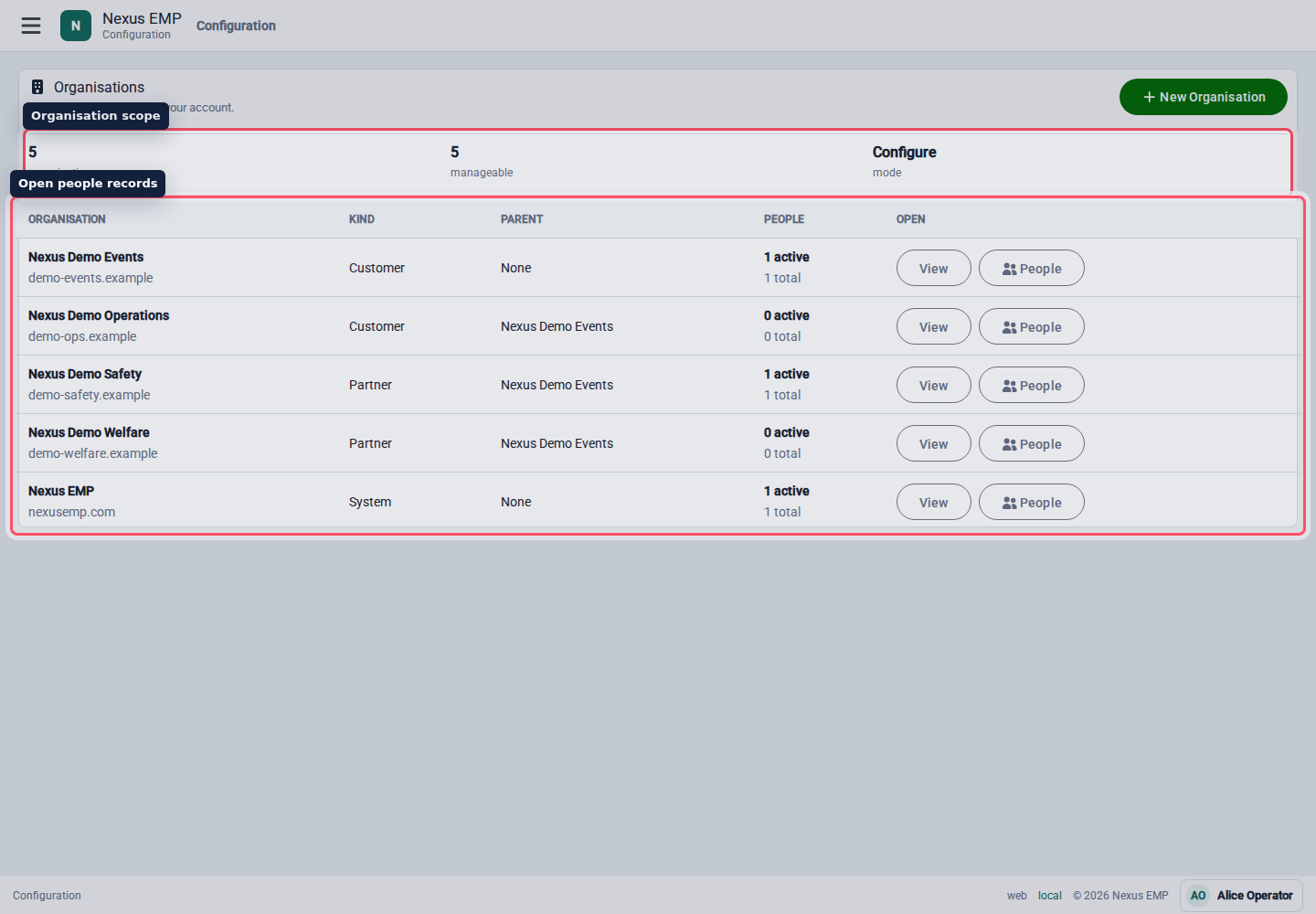
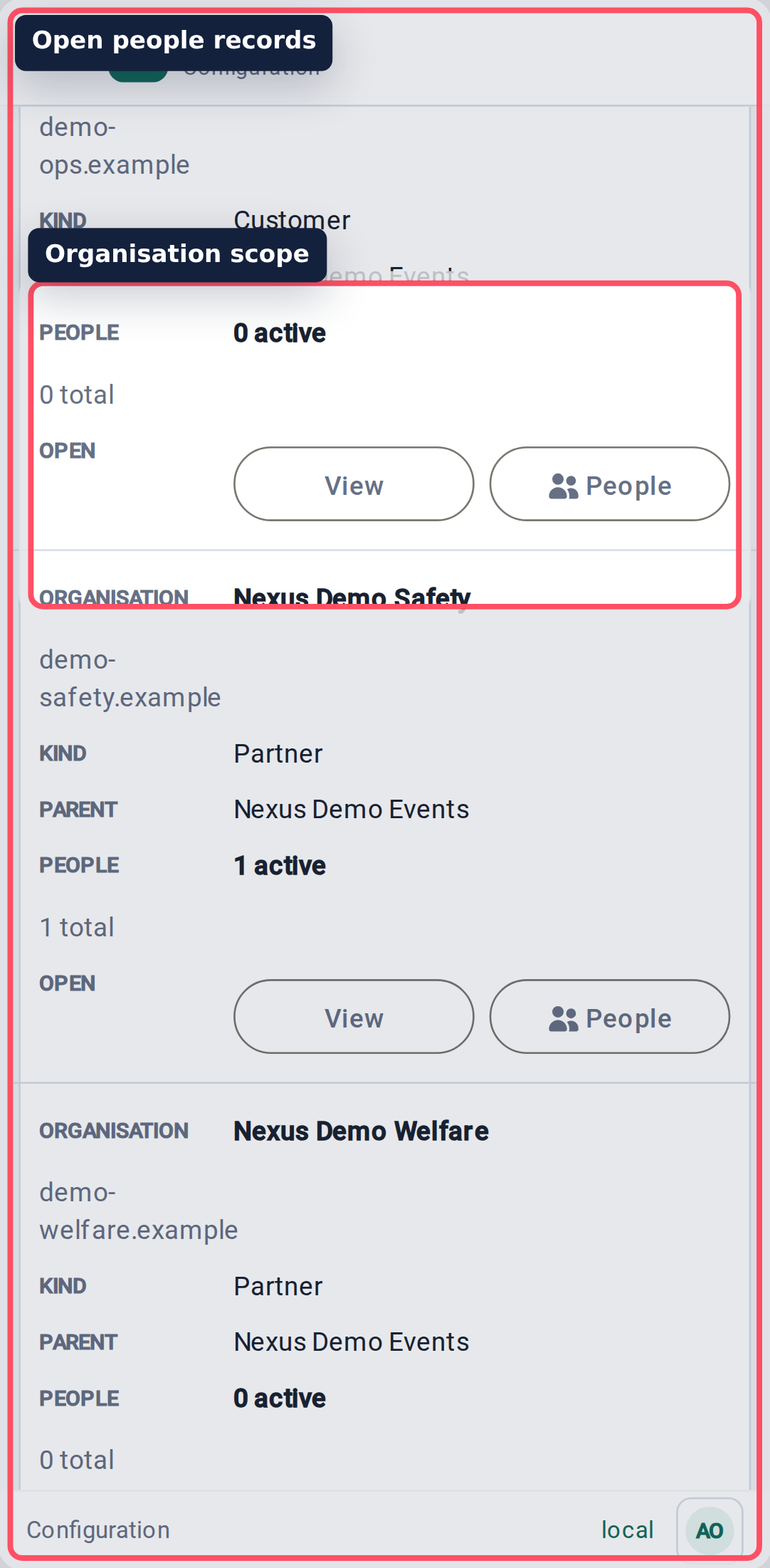
Create organisations
Use organisations for customers, partners, emergency services, suppliers, and internal teams. Set the parent organisation when one organisation sits under another.
Keep names recognisable to the people using the system. "North Gate Security" is better than "Supplier 3".
Organisation lists and parent selectors use server-backed search and load a limited page at a time. Type part of the name instead of scrolling through a global list. A selected organisation remains visible even when it is outside the current search page.
Enable event creation
Event creation has an organisation-level switch and a person-level permission. Both are required:
- A Platform Admin edits the organisation and sets Event creation to Enabled.
- An organisation administrator opens People, edits an active membership, and enables Event Creator.
The organisation switch decides whether that organisation may own newly created events. Event Creator decides which members may create them. It does not make the person an organisation administrator or grant access to every event. The creator receives Event Administrator only for each event they create.
Disabling event creation prevents new events for the organisation. It does not delete existing events or remove their current access.
Manage people
Open an organisation and select People.
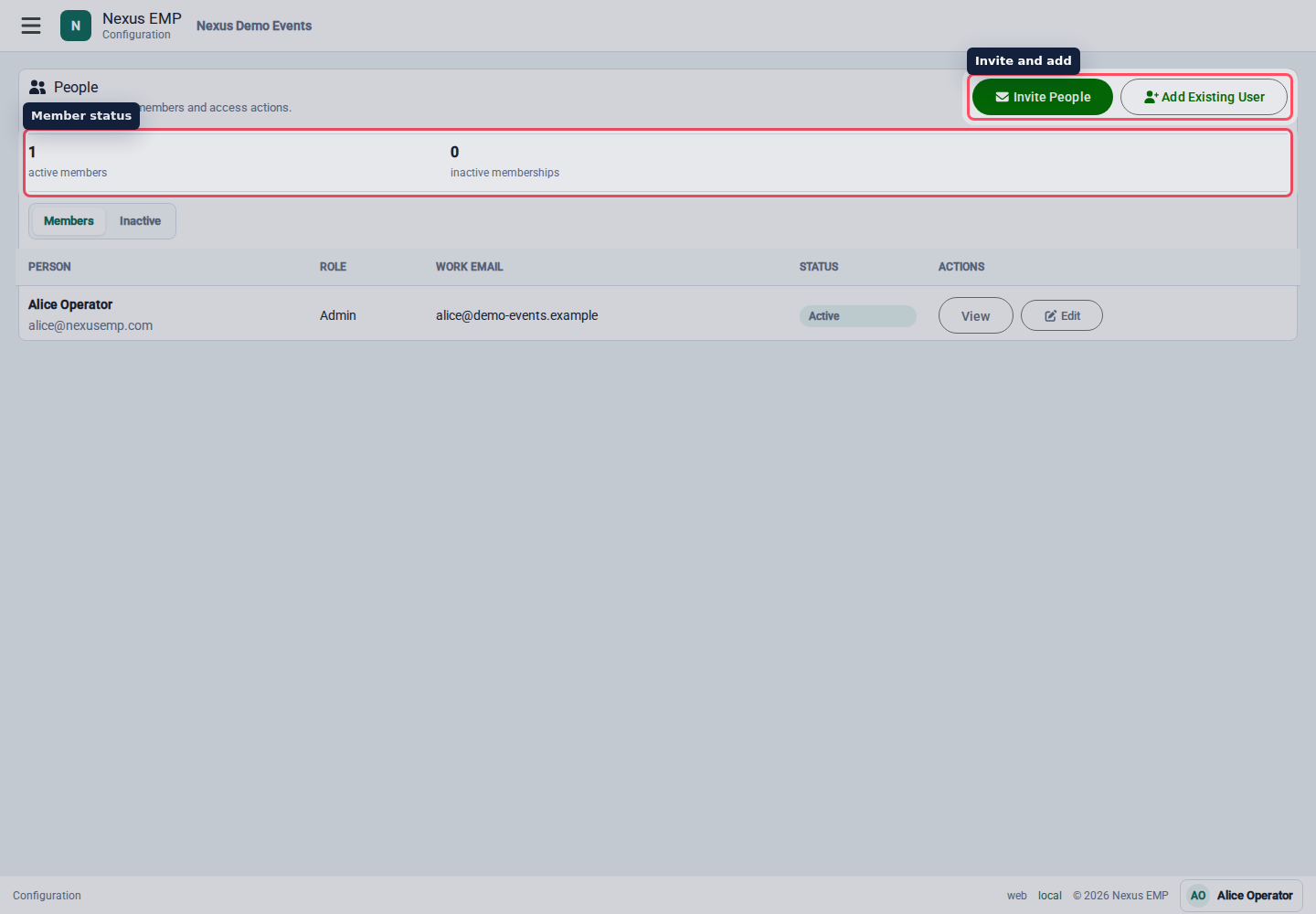
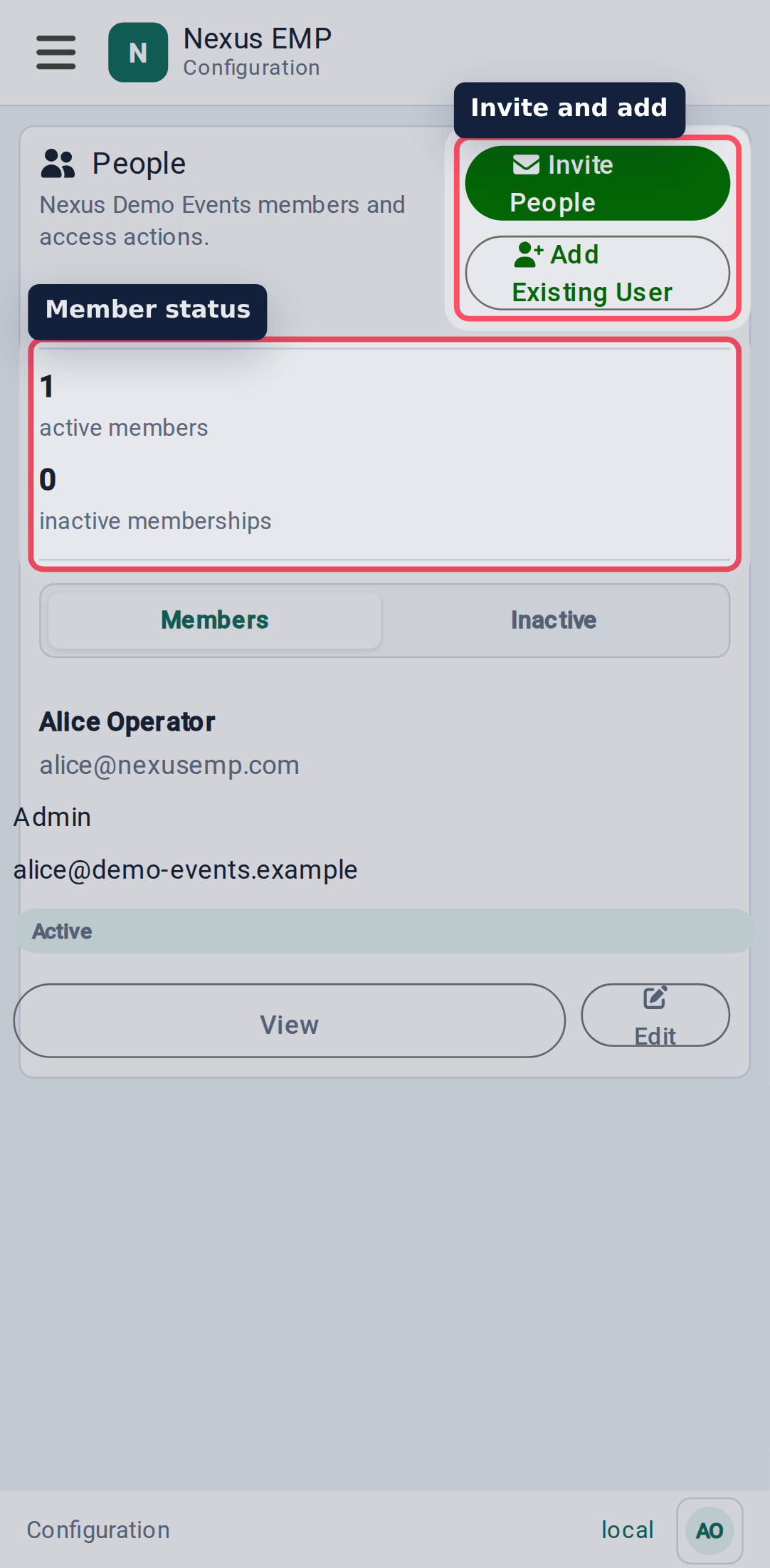
People management includes:
- active members;
- inactive memberships;
- member role and work email details; and
- whether an active member is an Event Creator.
Invite one or many people
Use Invite People to add new or existing Nexus users with an organisation-scoped role bundle.
- Choose Give access as. Organisation member is the standard bundle.
- Paste a list or add individual rows. Each row has optional first and last names plus a required email.
- Correct duplicate or invalid rows and select Send Invitations.
Each person receives an individual email naming the inviter, organisation, and role. The first valid use signs in or creates the account for that verified email, confirms missing profile details, offers passkey setup, and activates the membership without downgrading an existing role.
The role bundle remains live. Later bundle changes apply to active grants; the invitation does not freeze a hidden permission list.
When a Platform Admin opens Invite People from platform organisation support, Platform Admin reason is required. Use a support case or clear operational reason. Nexus records it in the audit trail for creating, resending, or revoking the cross-tenant invitation; it does not grant the administrator ordinary organisation access.
Organisation role bundles contain only organisation permissions and can only be granted to an organisation membership. Event-module permissions belong in an Event bundle, which can be granted to a single event or an event collection. Keeping those domains separate prevents an organisation membership change from quietly granting show access.
The sender also shows recent invitation status. Resend queues another email for an active pending invitation. Revoke invalidates an unused invitation and cancels queued delivery. Remove already accepted access from the membership or access controls instead. Resends are at least one minute apart and limited to ten per invitation; an already used or expired one-click sign-in continues through normal email or passkey verification.
Add an existing user
If the person is already signed into Nexus and no email is needed, use Add Existing User. Search by name or email; Nexus loads bounded result pages instead of every user. The normal invitation sender also supports existing accounts and does not create a duplicate identity.
Choose organisation roles
Use organisation roles for what someone can do within that organisation. Use event access for what they can do at a show. Keeping those separate prevents a supplier manager from automatically becoming a controller for every event.