Events, collections, participation, and modules
Events are the shows Nexus supports. Collections group related events, such as a series, venue season, or multi-day programme.
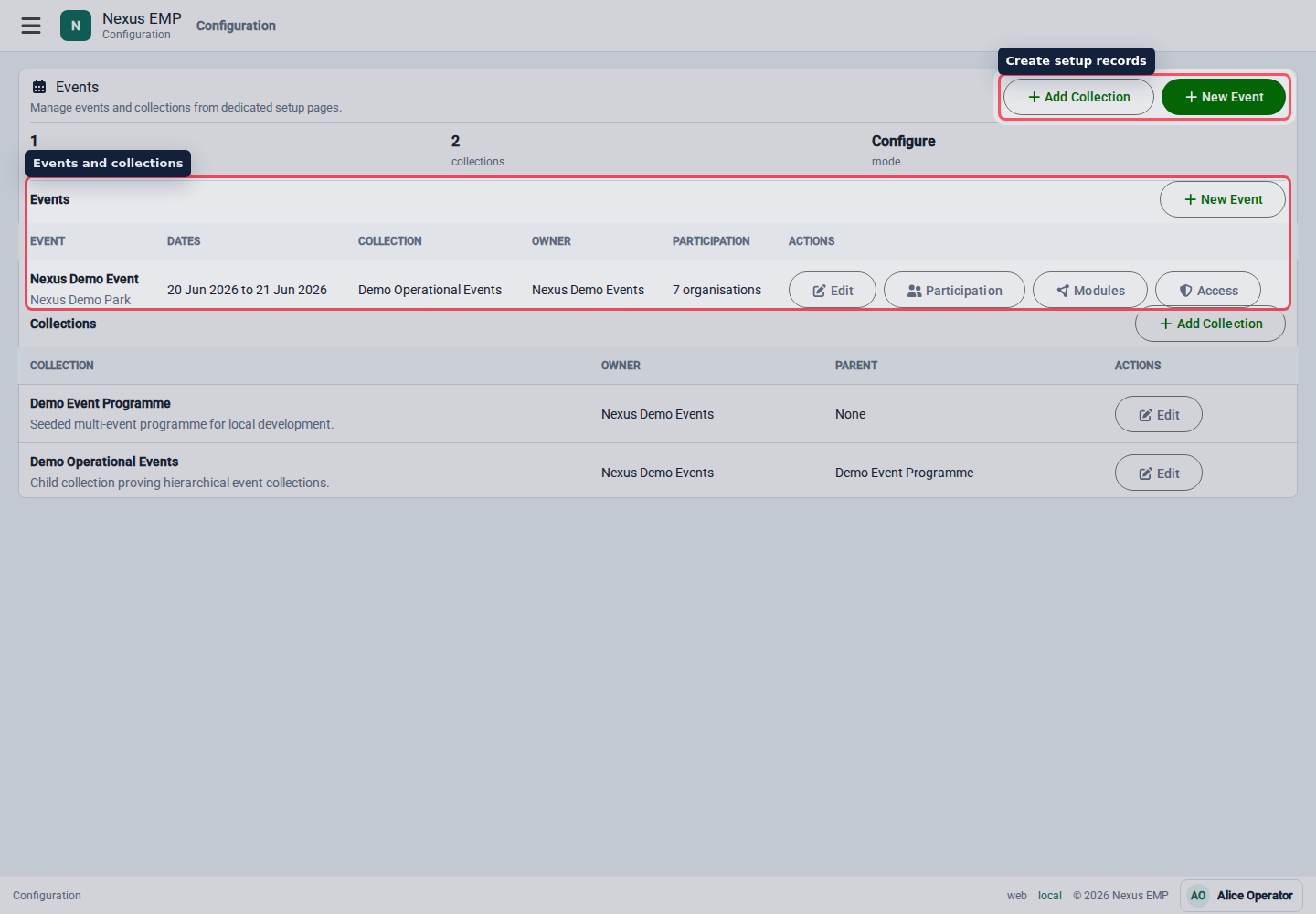
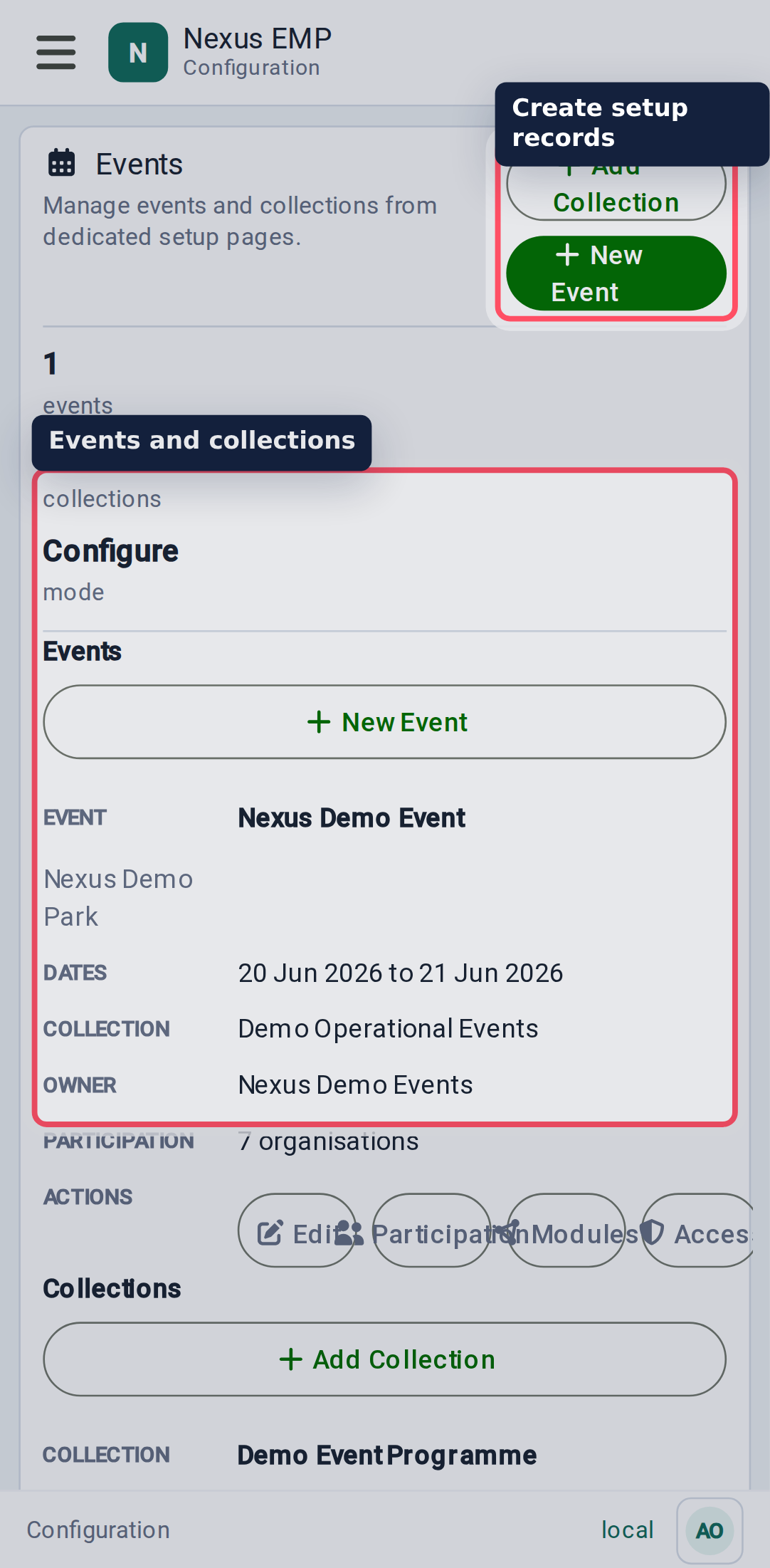
Create an event
Select Create Event from Home or Configure > Events & Collections. The button appears when both parts of the event-creation entitlement are in place:
- a Platform Admin has enabled event creation for an organisation; and
- you are an active member of that organisation with the Event Creator permission.
If more than one organisation is available, search by organisation name. The picker loads a limited page at a time, so it remains usable as Nexus grows. Platform Admin can use the same route for support work; creating outside their normal entitlement requires an audited operational reason.
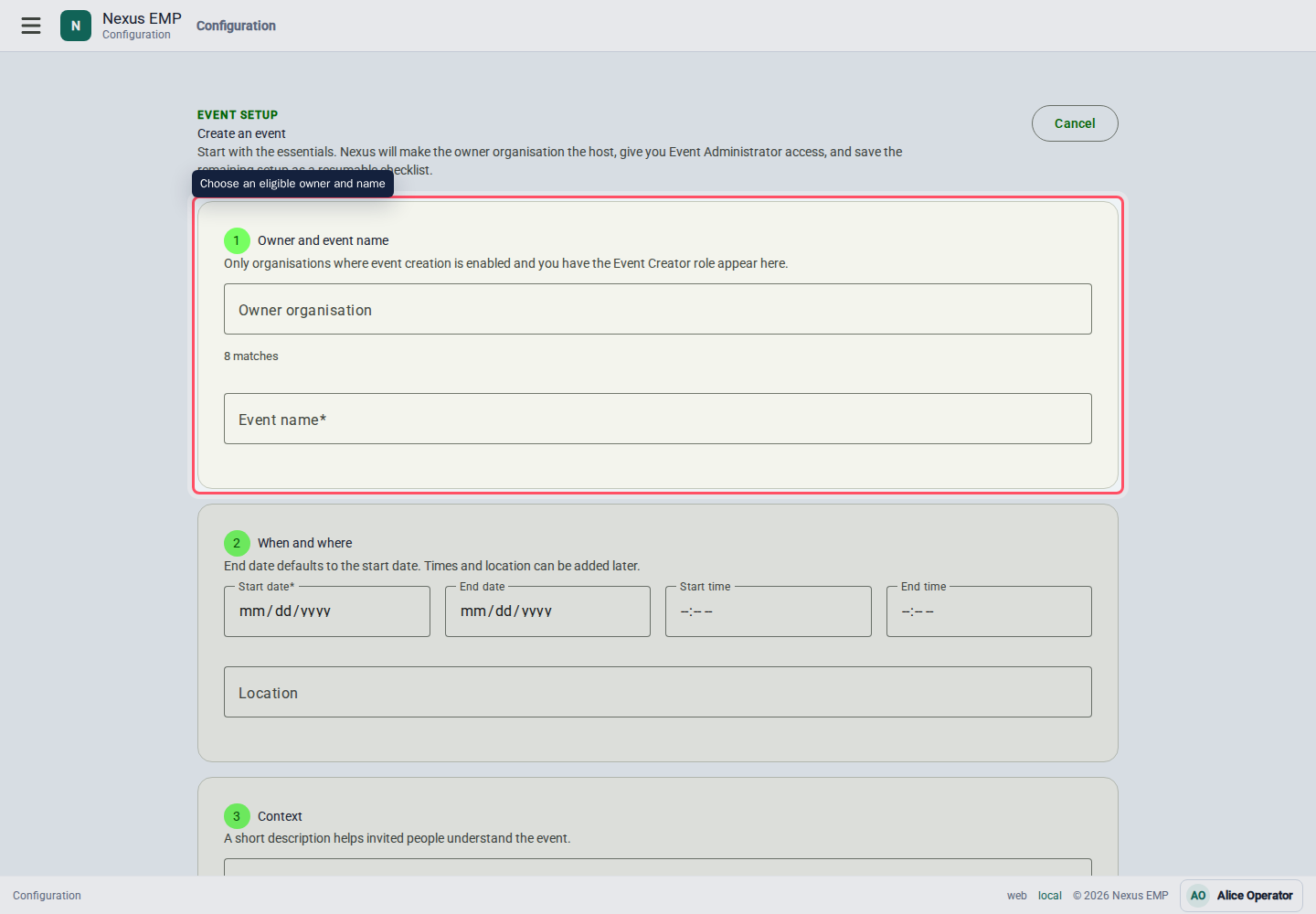
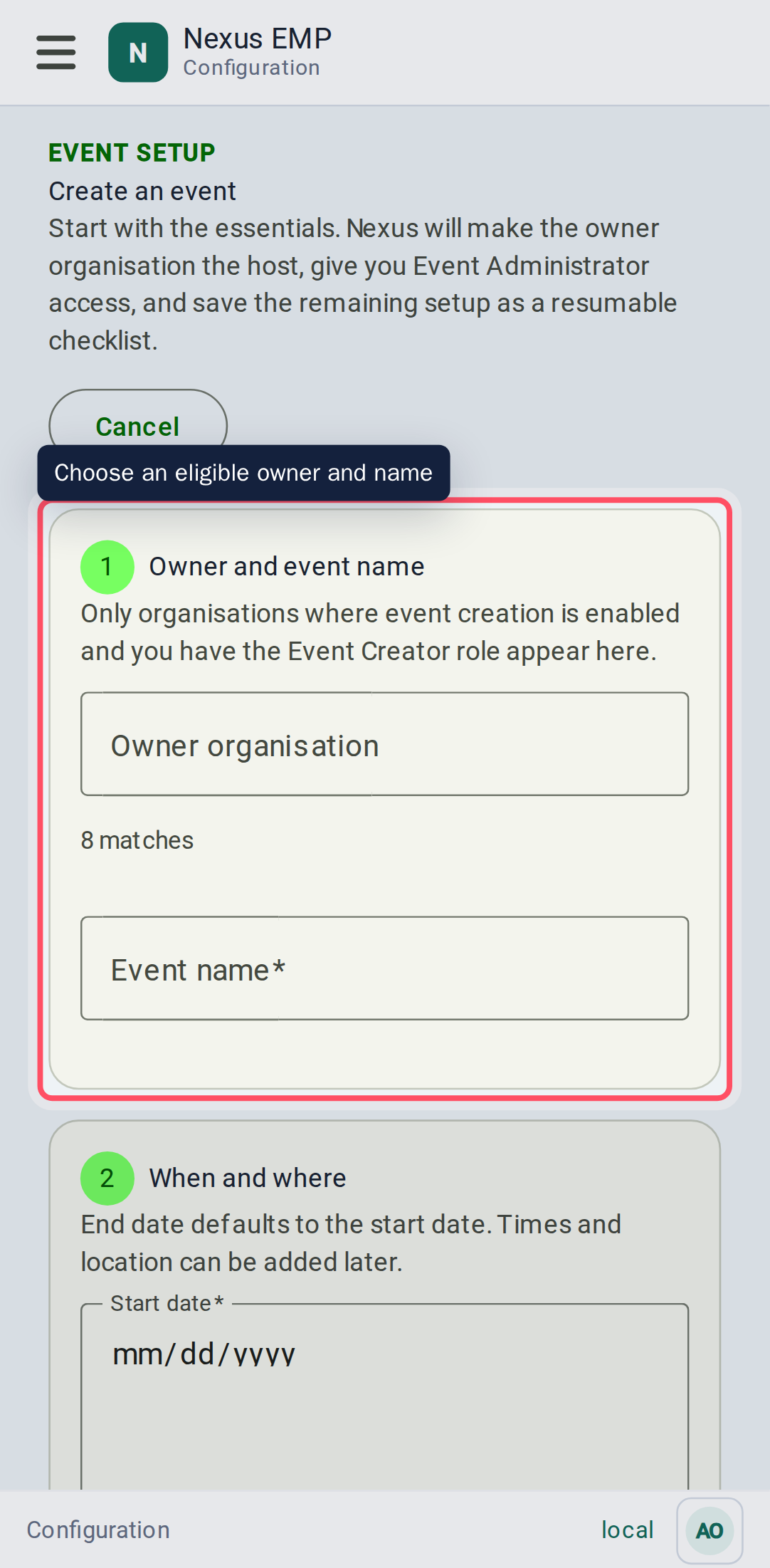
Enter the event name, dates, optional times, location, and description. Nexus then:
- creates the event in Setup in progress state;
- makes the owner organisation the active host;
- gives the creator the Event Administrator role for that event; and
- opens a setup checklist that can be left and resumed later.
The checklist links to modules, participating organisations, and people and access. Mark each area reviewed, then select Finish Setup. Finishing the checklist records that the event is ready; it does not grant access to anyone else or activate modules automatically.
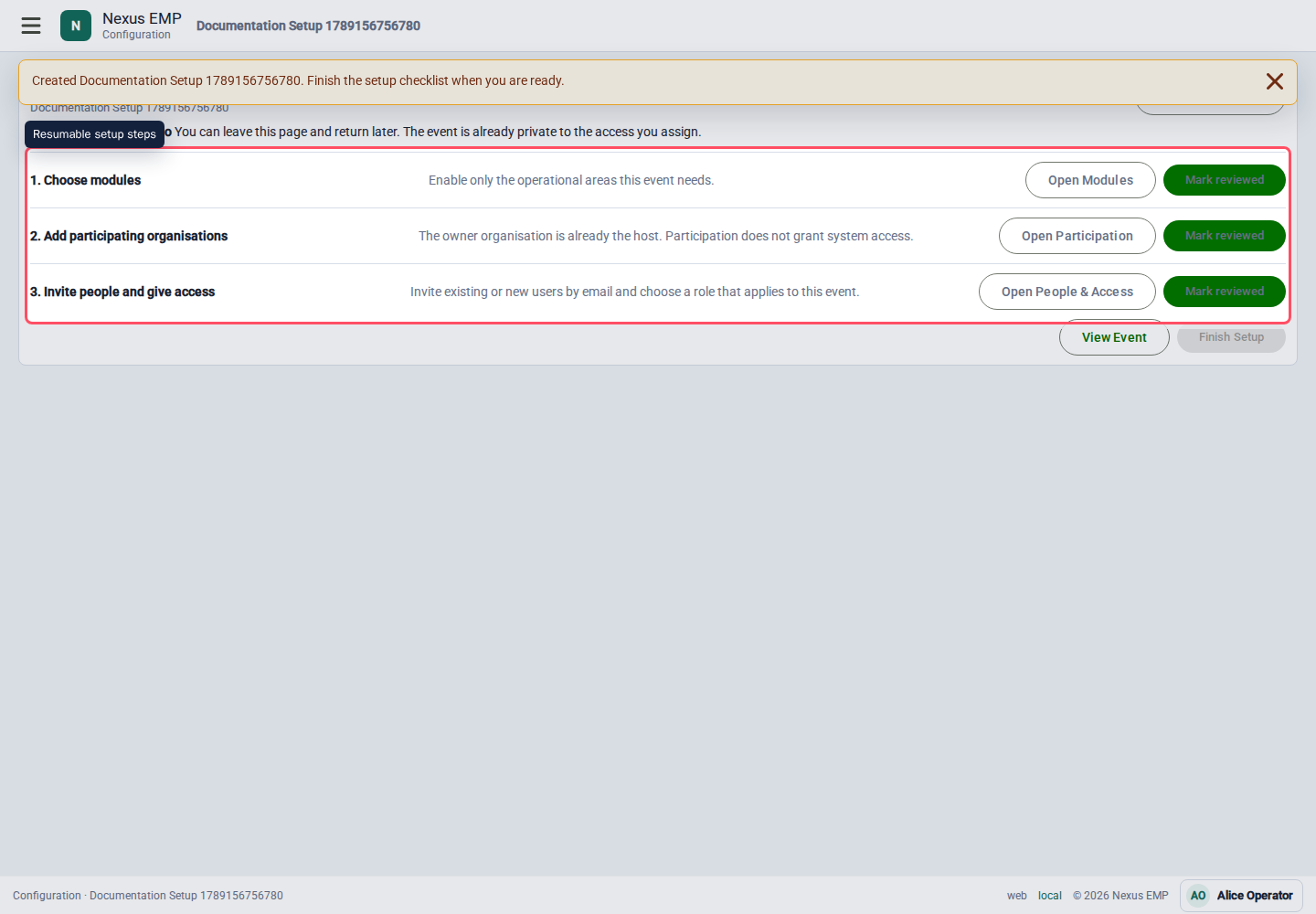
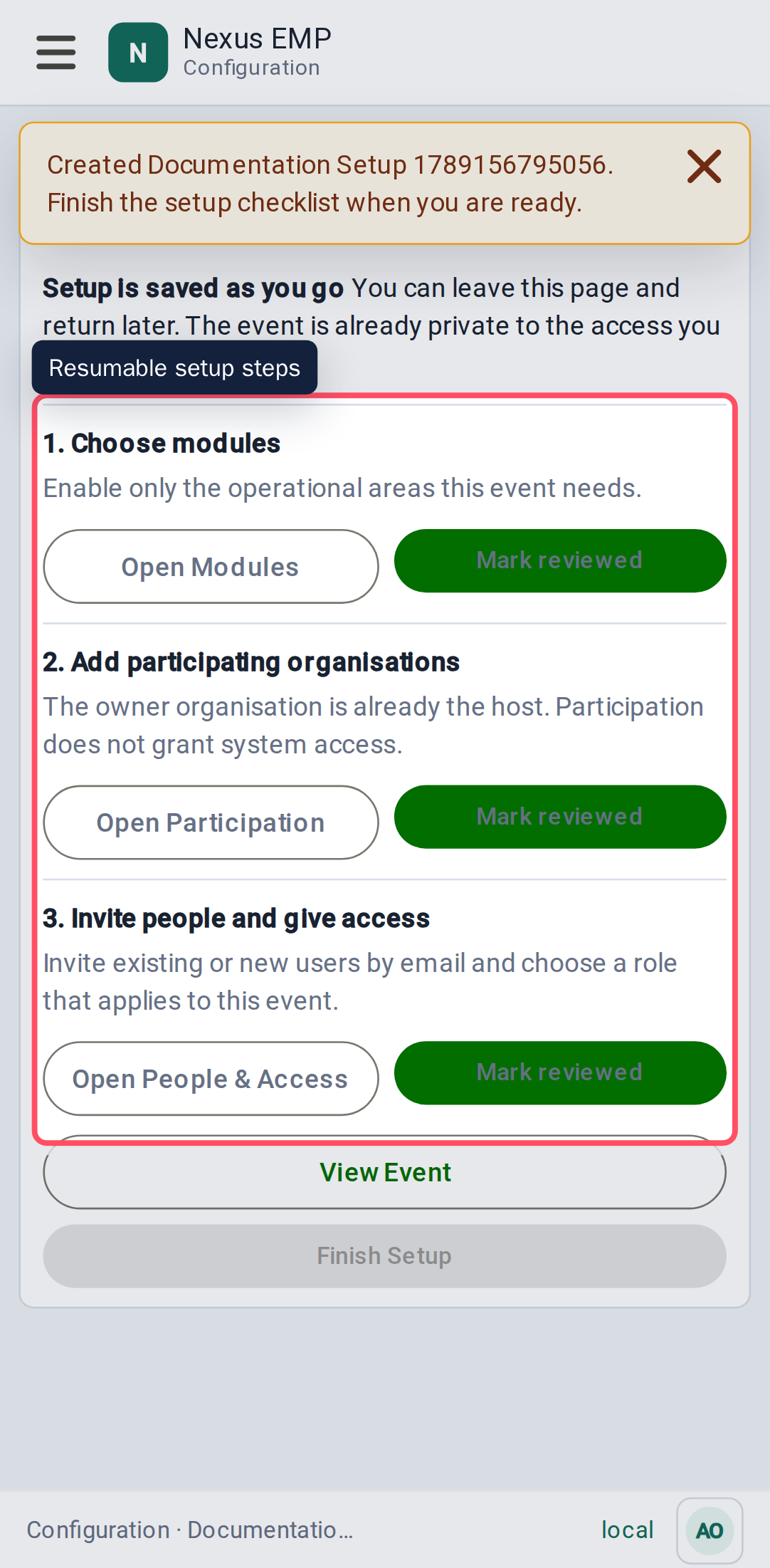
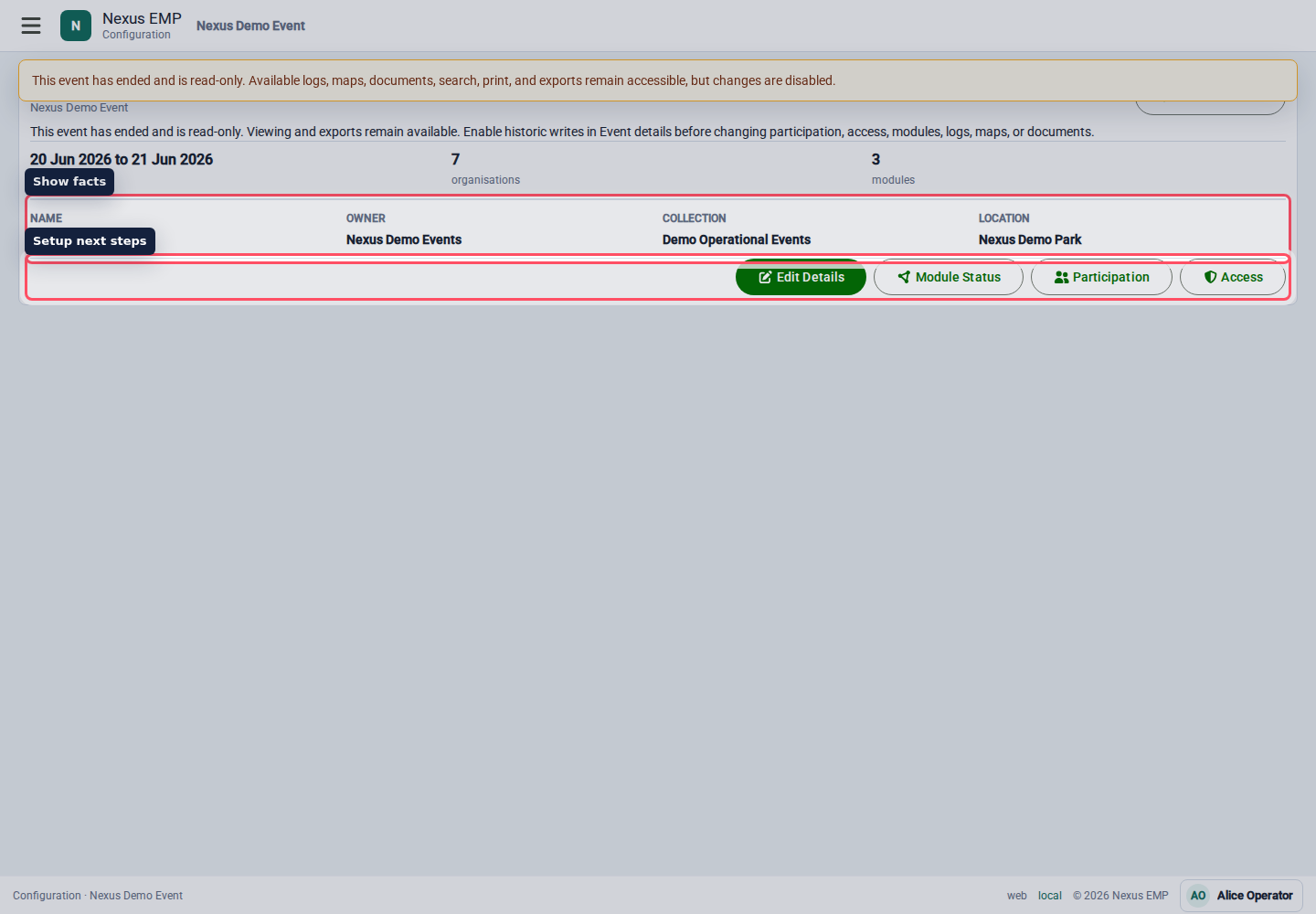
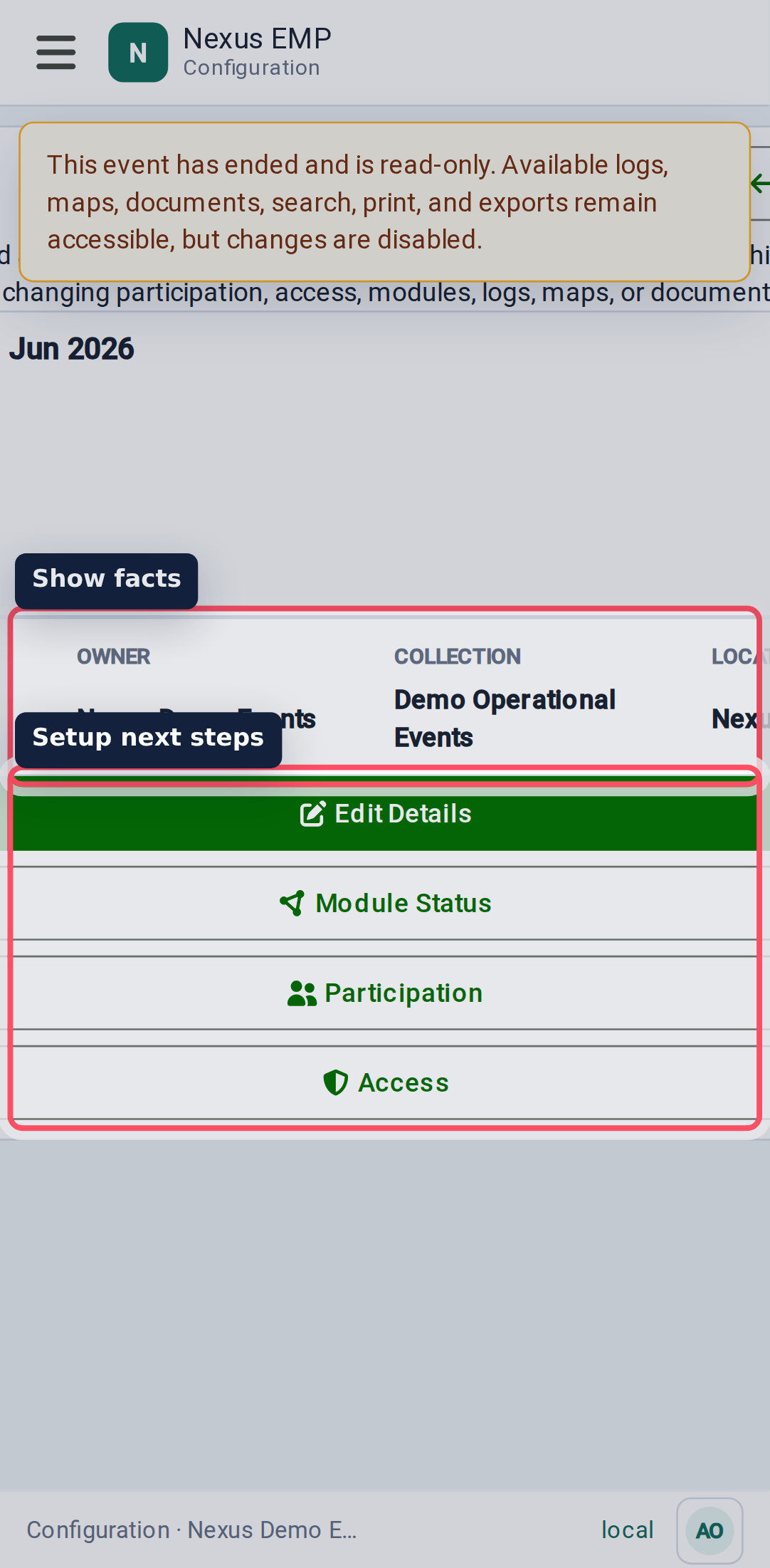
Nexus deliberately keeps initial creation focused on the facts required to establish a safe event. Add a collection or adjust the historic-write policy from event details, and make module, participation, access, and map decisions on their dedicated pages.
Historic event write policy
After the end date passes, Nexus automatically makes the event read-only. Permitted users can still view and export logs, maps, and documents, but operational and event-scoped configuration writes are rejected.
Use Allow writes after this event ends only for a controlled correction or completion period. Event details remain available so an event administrator can enable this exception. Turning the option off immediately restores the automatic read-only policy. Each change to this exception has its own audit entry.
Historic writes reopen every active module and event-scoped configuration path for users who already have write permission. Turn the option off again when the correction is complete.
Use collections
Use a collection when multiple events share a useful setup story. For example, a repeating venue programme or a multi-day event can share a collection while each event keeps its own dates and live record.
Avoid using collections as a dumping ground. If two shows do not share people, maps, templates, or reporting, they probably do not need the same collection.
Add participation
Participation records which organisations are involved in the event. The owner organisation is added automatically as Host when the event is created. Add other participating organisations before assigning module-specific roles to their members.
Participation and application access are deliberately separate. Making an organisation a participant does not give all its members access to the event.
Create participation before access. It makes the access screens easier to read and helps prevent roles being assigned to organisations that are not actually part of the show.
Enable modules
Modules control whether a tool is available for the event. Current visible module setup includes Event Control, Mapping, and Documents where the backend has the module registered.
Set each module to Active, Read only, or Disabled and record the reason for the change. Active permits normal operations, read only retains permitted views while blocking writes, and disabled removes ordinary access. Module data and assigned access are retained through every state. Event-specific overrides can be removed with Use inherited state, returning the event to its nearest collection or module-default policy.
For a historic event, the event write policy takes precedence: an otherwise active module behaves as read-only until historic writes are explicitly enabled.
- Activate Event Control when the event will use live logging.
- Activate Mapping when the event needs an event map, even if Event Control is disabled.
- Activate Documents when show files should be shared in Nexus.
- Use read only before disabling a module during live operation.
The resumable event checklist records that module setup has been reviewed. Individual module pages do not yet validate every module-specific prerequisite or external service health check. Complete those checks before show day.