Export
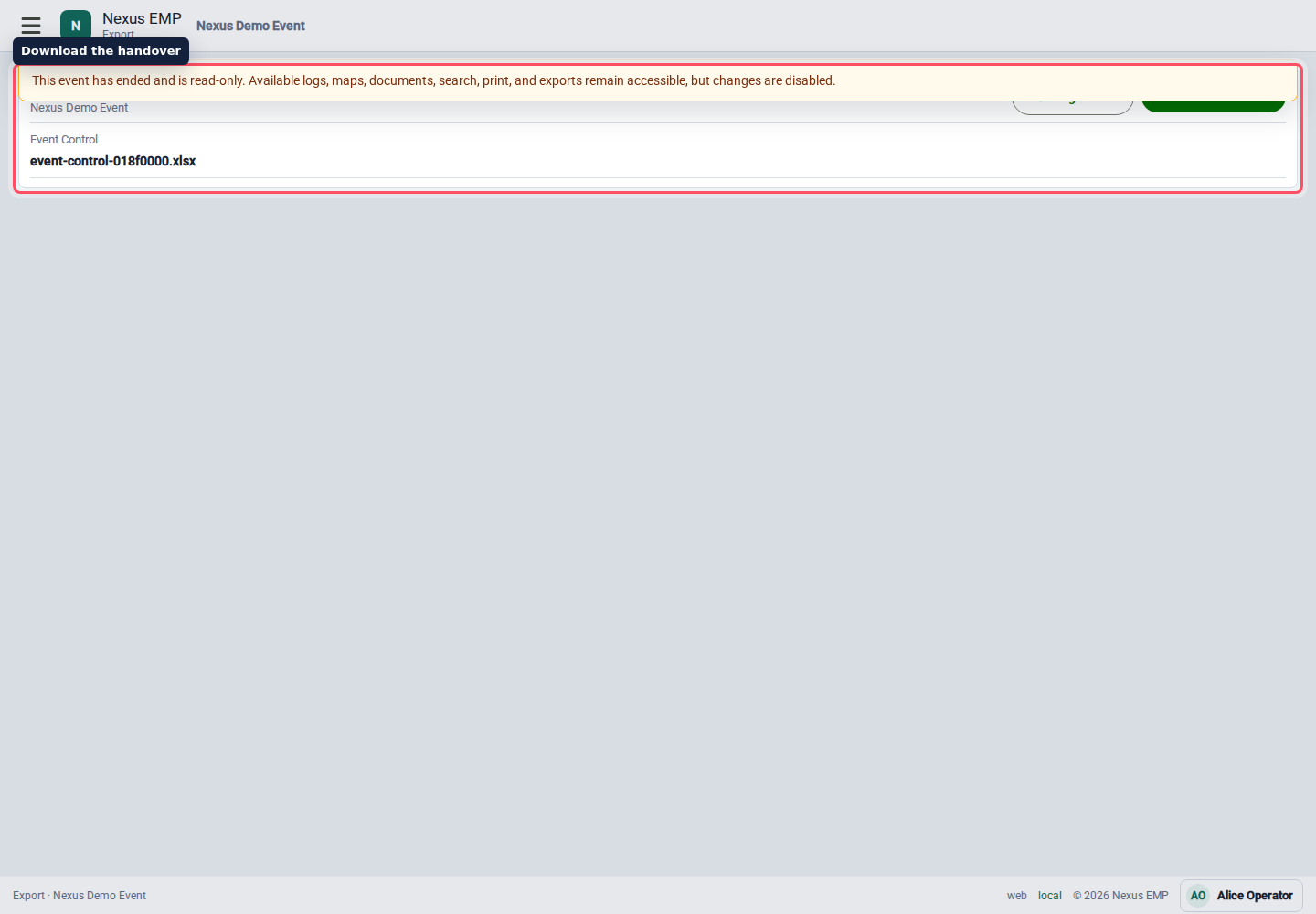
Export creates an XLSX copy of the Event Control record for the event.
When to export
Export at natural handover points:
- before a control room shift change;
- at the end of each show day;
- before an incident review;
- after the event when the record is ready to archive.
The export reads records in batches, so it is not a point-in-time audit snapshot. Records created after preparation starts are excluded, but concurrent edits, routing changes, and attachment completion can appear between batches. Cover and overview counts match the rows included. Export again after updates finish when you need a settled handover record.
The workbook keeps the Cover, Log Overview, and Log Details sheets. It includes unmerged logs you can read and download links for completed attachments. Event-wide controllers can export unassigned logs; agency controllers need a matching lead or additional agency. Attachment links retain their normal expiry.
Excel limits each sheet to 1,048,576 rows and allows 65,530 attachment hyperlinks. Exports exceeding these limits fail before a file downloads. Each API instance prepares up to two exports at once; retry shortly if preparation is busy.
Do not treat an export as the live source of truth while the event is still running. The live Event Control page remains the working record.
What it is for
The XLSX file is designed for handover, review, and offline analysis. It should not become a parallel logging process. If someone finds a mistake, update Nexus first, then export again.