Documents
Documents keep the show files close to the live workspace. Use them for plans, schedules, operating procedures, contact sheets, and other event files people need during the day.
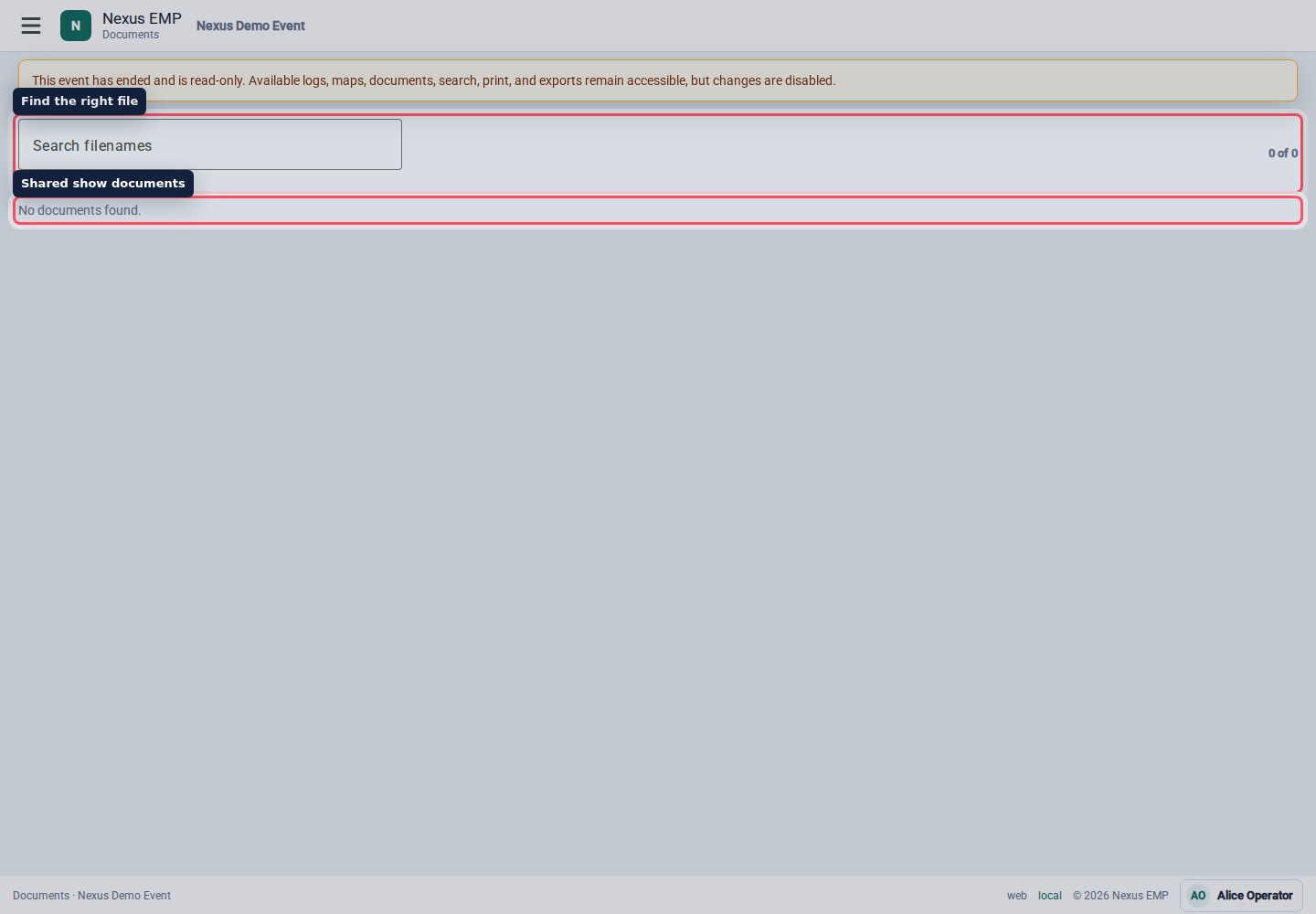
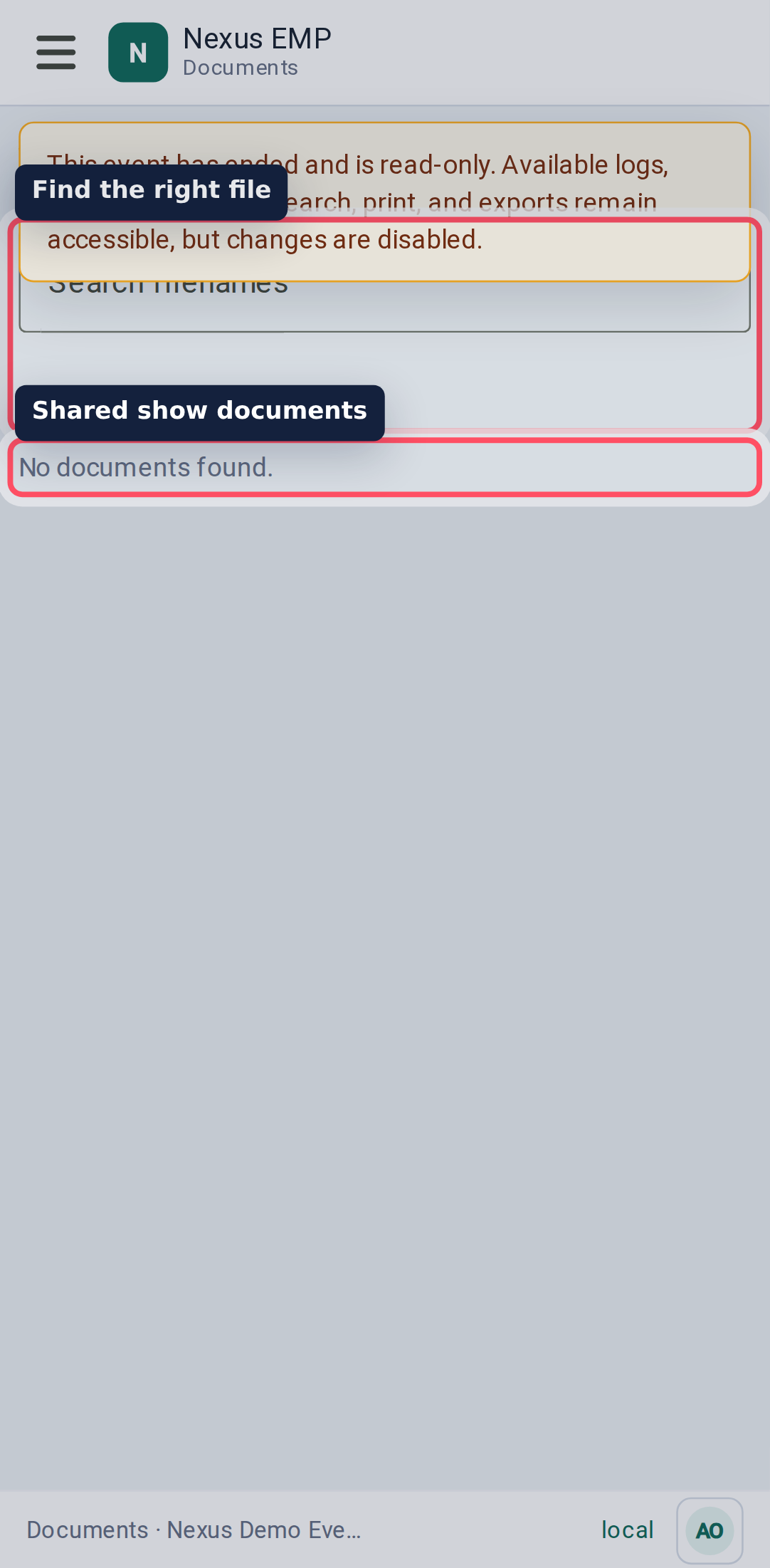
Find a file
Use Search filenames to narrow the list. The result count shows how many files match.
Open the filename to download or view the document in a new browser tab, depending on file type and browser behaviour.
Upload, replace, and archive
If your role can manage documents, you will see upload, replace, and archive actions.
- Upload adds a new document.
- Replace keeps the document record but creates a new version.
- Archive removes it from the active document list.
Use Tab to reach Upload or Replace, then activate the focused control to open the file chooser. A visible outline shows which control has keyboard focus.
While an upload, replacement, or archive is in progress, document management controls for that show are disabled. Switching shows clears the previous show’s files and progress indicators. Work already submitted continues for the original show; return to its Documents page to check the result.
Replace a document when it is the same plan with a newer version. Upload a new document when it answers a different question.
Previews
Some documents can show thumbnails when the preview worker has processed them. If a preview is not available, Nexus still keeps the download link and metadata.
Thumbnail creation retries temporary worker-start failures automatically. If the preview still cannot be generated after five start failures, or its worker fails, the original uploaded file remains available to download. A thumbnail may therefore appear later than the upload itself, or remain unavailable.
The Documents module is permission and module gated. If the page is missing for a user, check event module status and the user's document role.